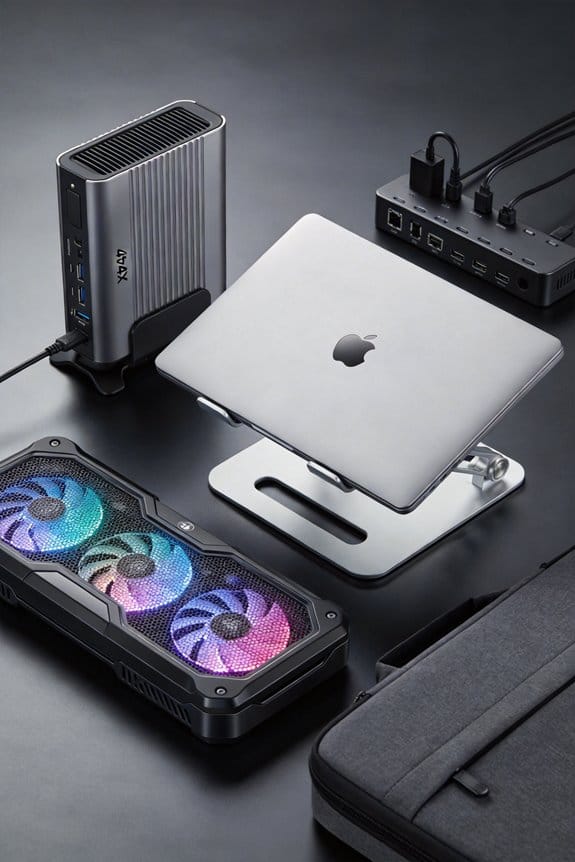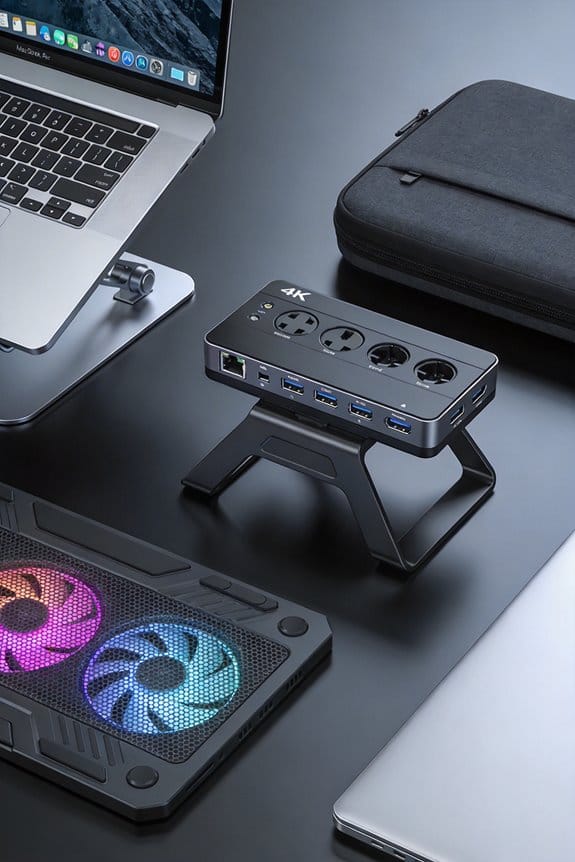

We recommend a passive‑cooling laptop if you value silence, dust‑free operation, and up to 15 hours battery life on light tasks, since heat spreaders, graphite sheets and a metal chassis radiate heat without fans. Choose active cooling when you need sustained 120–150 W performance, because PWM fans up to 5,000 rpm and 30 CFM keep CPUs and GPUs under 90 °C and avoid throttling. A hybrid design gives quiet everyday use and bursts of fan‑boost at 80 °C. If you want deeper details, the next section explains how to match your workload to the right cooling style.
Key Takeaways
- Passive cooling offers silent operation, longer battery life, and no dust, but throttles around 30 W, limiting heavy workloads.
- Active cooling with PWM fans can handle 120–150 W, keeping CPUs/GPUUs and, anti while. and‑ noise.
- Hybrid designs combine passive spreaders with a small fan that only activates above ~45 °C, delivering quiet everyday use and burst performance.
- Choose passive if you prioritize silence, battery endurance, and light tasks; choose active if you need sustained high‑performance gaming or rendering.
- Evaluate your typical workload’s power draw against the laptop’s thermal budget and acceptable noise level to decide the appropriate cooling strategy.
Passive‑Cooling Mechanics in Laptops
If you’ve ever held a fan‑less laptop, you’ll notice it stays quiet because it relies on heat spreaders, graphite sheets and a metal chassis instead of fans. We call that passive heat management, and it works by spreading warmth through copper pipes and magnesium plates that act like tiny radiators. The chassis then radiates that heat into the air, eliminating the need for active airflow and moving parts. This design keeps dust out, saves power, and can push battery life to 14‑15 hours on light tasks like browsing or typing.
We love the silence, but remember passive systems throttle when you push past 30 W. So for video editing or gaming, you’ll need a laptop that adds active airflow. The trade‑off is noise versus performance, and the choice hinges on your workload. (Yes, we’re still talking heat, not fans.)
Active‑Cooling Mechanics for Laptops
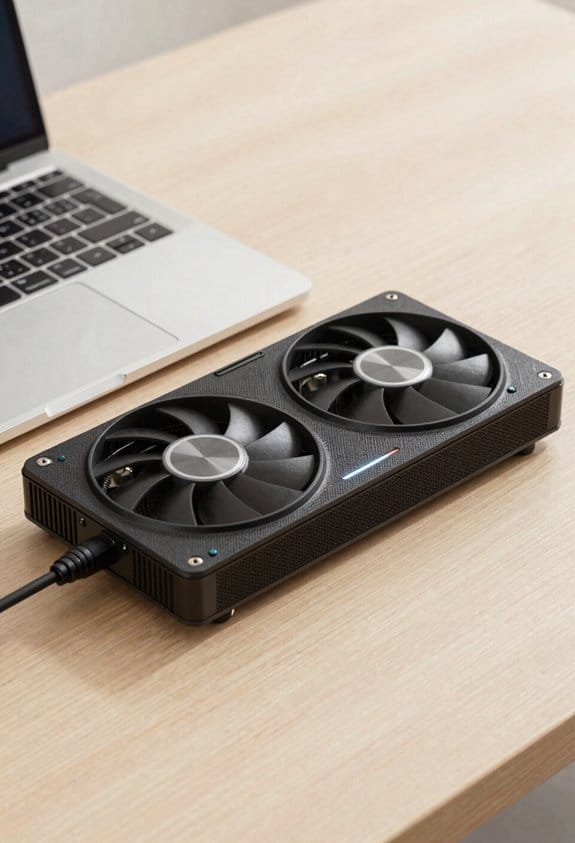
We’ve seen how fan‑less laptops stay quiet by spreading heat through copper pipes and a metal chassis, but once you hit 30 W the chassis can’t keep up. Now we turn to active‑cooling mechanics, where fans pull air across a heat pipe and a thermal interface that shuttles heat from CPU to a finned heat. We’ll fan that a PWM‑controlled fan can spin from 0 % to 5,000 rpm, dropping core temps by 15 °C under a 120 W load. The fan’s airflow rate, measured in CFM, determines how fast hot air is exhausted, while the heat pipe’s length and diameter set its capacity. In practice, we see laptops like the Omen Max 16 stay under 85 °C during gaming, thanks to this combo.
Passive‑Cooling Benefits for Laptops
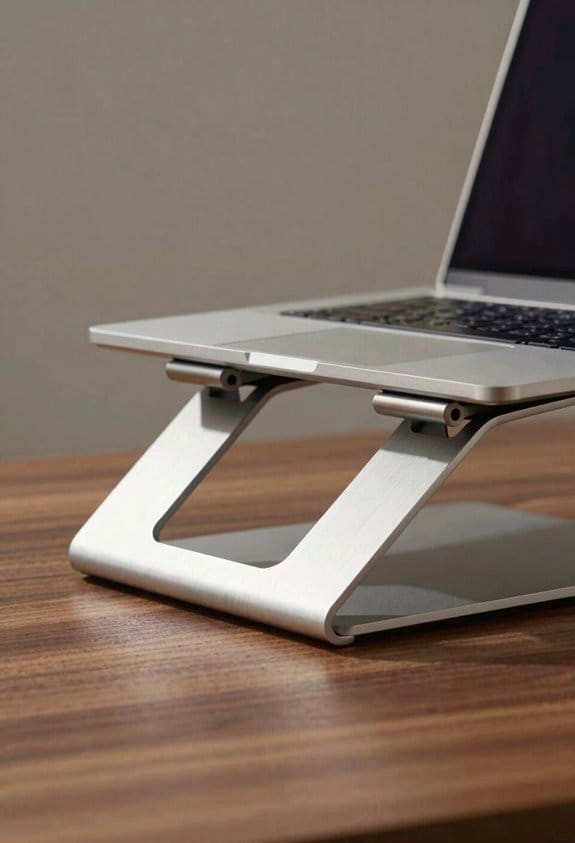
Ever wondered why some laptops stay whisper‑quiet even when you’re typing for hours? We love the way passive cooling lets us work without a fan’s hum, especially when we’re watching holographic displays or using biometrics integration that needs a stable temperature. The heat spreaders and graphite sheets move heat to the metal chassis, so we get up to 15 hours of battery life on a 30 W load, and there’s no dust to clean. We also avoid mechanical failure points, which means the device stays reliable on long trips or in dusty cafés. In short, silent operation, longer battery, and low maintenance make passive‑cooled laptops a solid choice for everyday tasks.
Active‑Cooling Benefits for Laptops
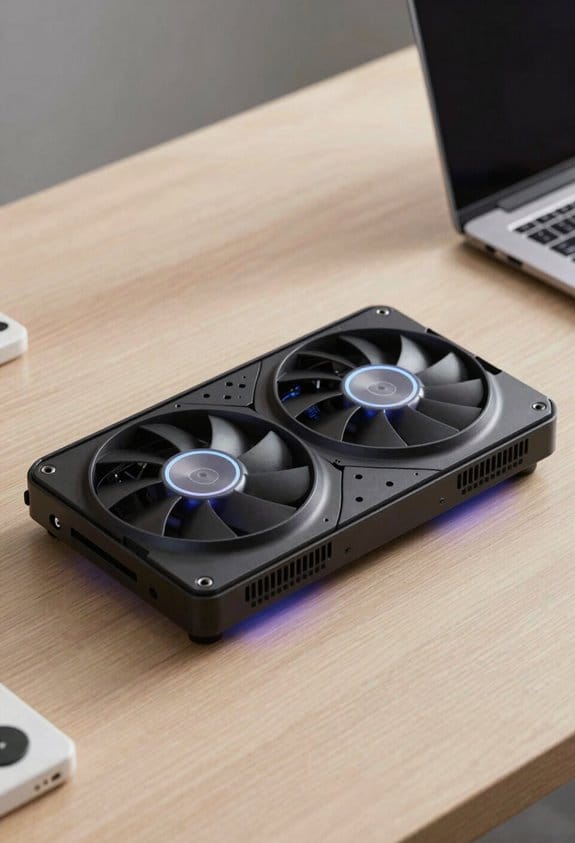
Why does a laptop with fans feel more powerful? Because the high pitch of the motor tells us the system is working hard, and the airflow pushes heat away quickly. We notice the CPU can stay at 90 °C for longer without throttling, so games run smoother and video renders finish faster. The fans spin up to 5,000 RPM, moving up to 30 CFM of air, which keeps the GPU at 80 °C even under a 150 W load. We love that the fan speed can be tuned via PWM, giving us a quiet idle mode and a burst of cooling when we need it. In short, active cooling lets us push performance limits without the heat‑induced slowdowns that passive designs suffer.
Hybrid Laptop Cooling: How It Works
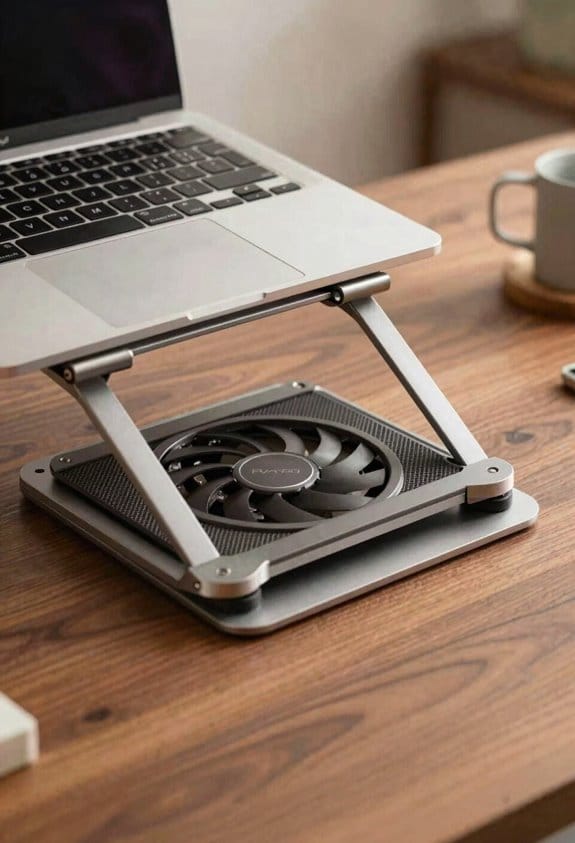
How does a hybrid cooling system balance silence and power? We blend passive heat spreaders with a small fan that only kicks in when needed. The fan runs under PWM control, so the speed rises gradually as temperature climbs, keeping noise low at idle and boosting cooling under load. In practice, we see fans stay off below 45 °C, then spin up to 3000 RPM at 80 °C, which is enough for gaming or video editing without a loud whine. The heat pipes still move heat to the chassis, so the fan never works alone. This approach gives us quiet everyday use and solid performance when the workload spikes, all while saving a few watts compared to full‑time active cooling.
Laptop Battery Life: Passive vs. Active Cooling
So, does the cooling method really change how long our laptops last on a charge? We’ve seen passive designs pull just 2‑3 W for fans, so a 50 Wh battery can stretch to 12‑15 hours of browsing or video playback. Active fans add 5‑7 W, cutting runtime to about 5‑7 hours under the same load, and the extra heat can accelerate battery health decline if we constantly push the CPU. When we choose a fan‑less model, we also avoid extra circuitry that can affect charging compatibility with fast‑charge adapters, keeping the power‑delivery path clean. In short, if we prioritize endurance and long‑term battery health, passive cooling wins; for performance bursts, active cooling is acceptable, but we should monitor temperature and charging habits.
How Loud Is My Laptop? Noise & Comfort
Ever wonder what a laptop sounds like when it’s working hard? We hear the whirr of fans, the hum of a chassis, and sometimes a faint click. A noise comparison shows passive models stay near 0 dB, while active ones can hit 45–55 dB under load. That difference matters for comfort impact: a quiet machine lets us focus, read, or talk without raising our voice. When we sit in a coffee shop, the fan‑driven buzz can be distracting, but in a quiet office it feels normal. We recommend testing the fan curve yourself, listening at idle and peak, and noting if the sound level interferes with your tasks. A little louder fan may be worth the performance boost, but if silence is your priority, passive cooling wins.
Maintenance & Reliability: Dust, Parts, Longevity
Ever wonder why some laptops last longer than others? We’ve seen that dust accumulation is the silent thief of performance; it clogs fan blades, blocks vents, and forces the system to work harder, speeding up component wear. In passive designs there are no moving parts, so dust is less of a problem and the chassis stays cleaner, which means the heat spreader can stay efficient for years. With active cooling we recommend a quick brush‑out every three months, and checking fan bearings for wobble after 12 months of heavy use; a simple 5‑minute cleaning can add 20‑30 % more life to the internals. Keeping the laptop on a hard, flat surface also reduces dust intake and helps the cooling system stay reliable.
Quick Decision Guide: Choose the Right Laptop Cooling for Your Needs
If you’re trying to pick a laptop that fits your daily routine, start by matching your workload to the cooling style. For light browsing, writing, and streaming, we recommend a fanless model that uses silent materials and relies on heat spreaders for cooling efficiency. If you edit video, game, or run simulations, choose an active‑cooled device with a 120‑160 W thermal budget and PWM fans that ramp up when needed. Hybrid units give the best of both worlds: they stay quiet under idle, then activate fans for bursts of power. We suggest checking the spec sheet for fan noise ratings (≤30 dB idle) and thermal‑design power, so you can balance performance, battery life, and noise in one quick decision.
Frequently Asked Questions
Can Passive Laptops Run Windows 11 Smoothly?
Like a whispering fan, we can run Windows 11 smoothly on passive laptops, but expect modest performance; battery life stays excellent, yet demanding apps may feel throttled compared to active‑cooled models.
Do Active Cooling Laptops Support External GPU Enclosures?
We can tell you that active cooling laptops definitely support external GPUs; the robust airflow keeps the GPU’s extra heat in check, letting you plug in eGPU enclosures without throttling performance.
Is Passive Cooling Compatible With High‑Resolution 4K Displays?
We’ve seen 4K laptops often run 30 W—passive cooling constraints can’t sustain that heat, so high‑resolution displays usually need active cooling viability; external GPUs help by offloading work.
How Does Ambient Temperature Affect Passive Cooling Efficiency?
We find that ambient temperature directly impacts cooling efficiency; hotter surroundings reduce heat dissipation, so passive designs throttle faster, while cooler environments let the chassis radiate heat more effectively.
Can I Upgrade a Passive Laptop to Active Cooling Later?
We’d say the upgrading path’s a bit delicate—adding fans can be tricky due to thermal constraints, but with careful redesign you can shift from passive to active without compromising your laptop’s elegance.