Why Dual and Triple Monitor Setups Are Becoming the WFH Standard
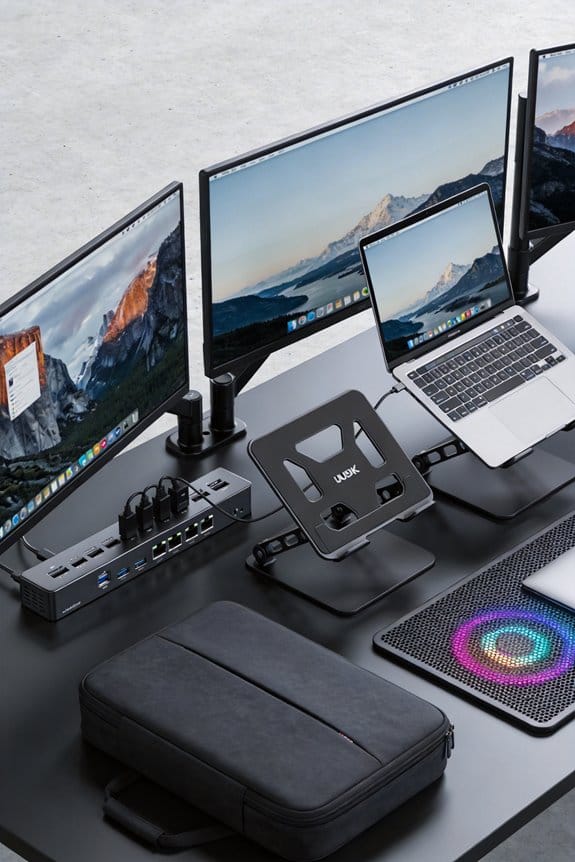
Discover why dual‑4K or triple‑1080p setups are the WFH standard—boost productivity, keep everything visible, and stay comfy. Try it today!

Discover why dual‑4K or triple‑1080p setups are the WFH standard—boost productivity, keep everything visible, and stay comfy. Try it today!
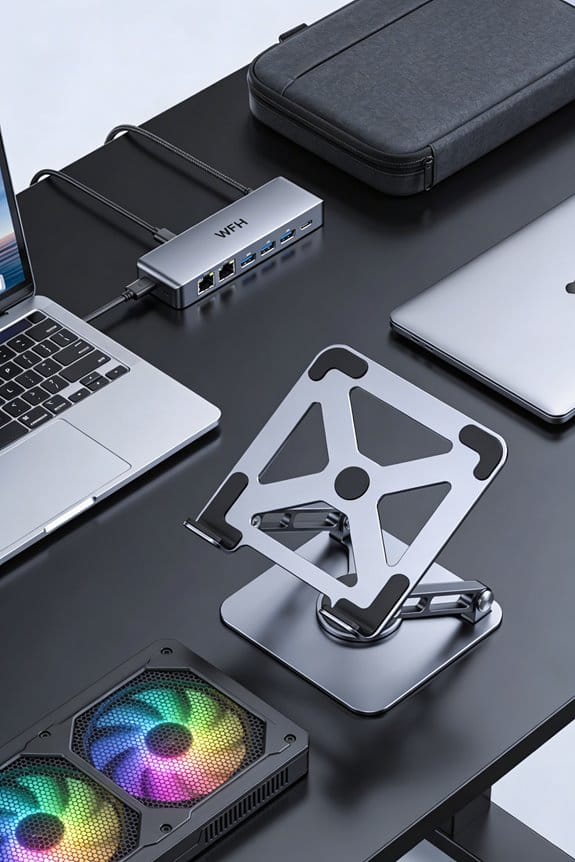
Set up a 2026 home office with a single USB‑C cable that powers your monitor, laptop, and hub—clean, fast, and always backed up. Try it now!
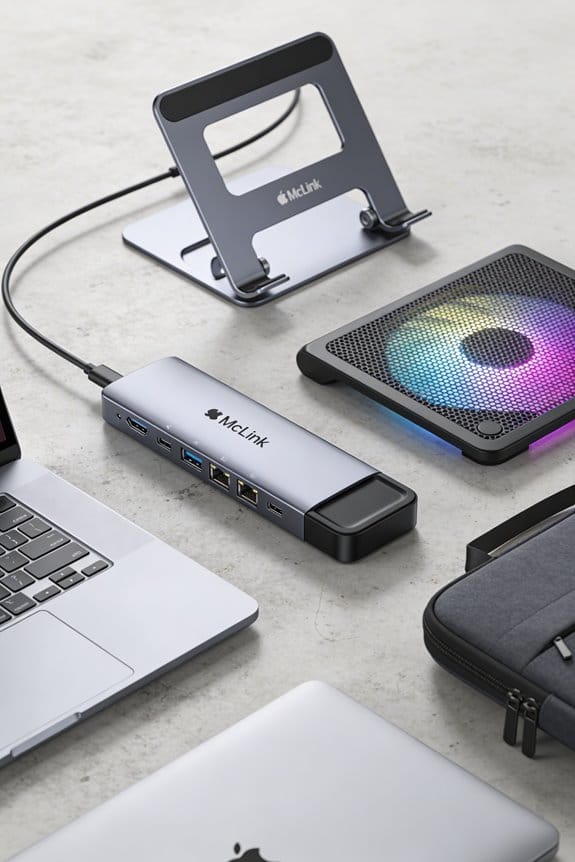
Turn your M‑Series Mac into a multi‑monitor powerhouse with DisplayLink—connect up to four screens, keep performance smooth, and enjoy hassle‑free setup. Try it now!
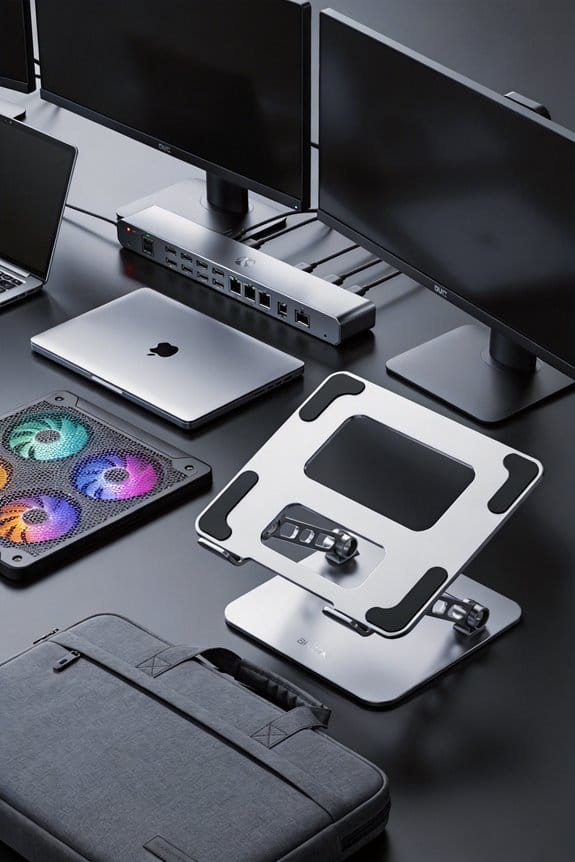
Daisy‑chain monitors with DisplayPort‑MST and skip the pricey dock—run up to four 1080p screens from one GPU output. Set it up now!
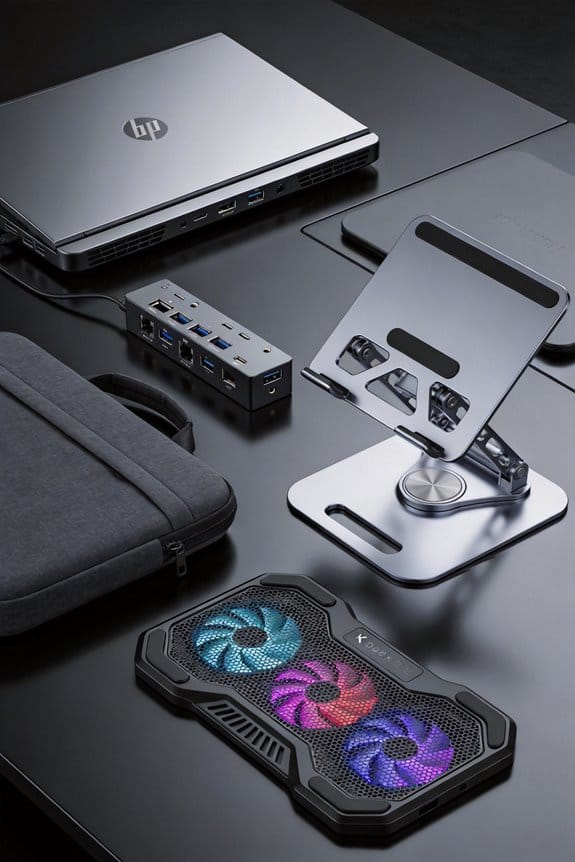
Learn how a USB‑C dock safely powers your laptop with PD, balances wattage, and prevents overheating—click to discover the best dock for you.
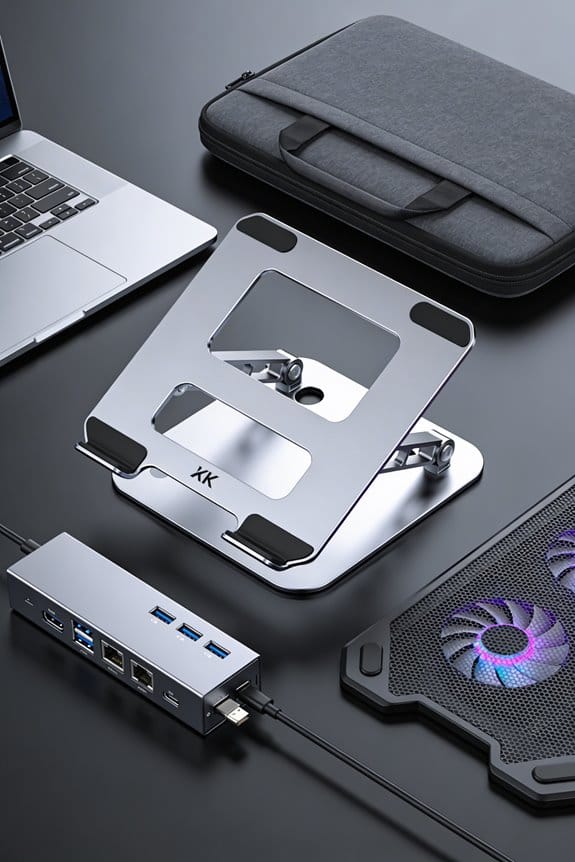
Public USB hubs can steal your data in seconds—use power‑only adapters or data‑blocked cables and stay safe. Protect your phone now!
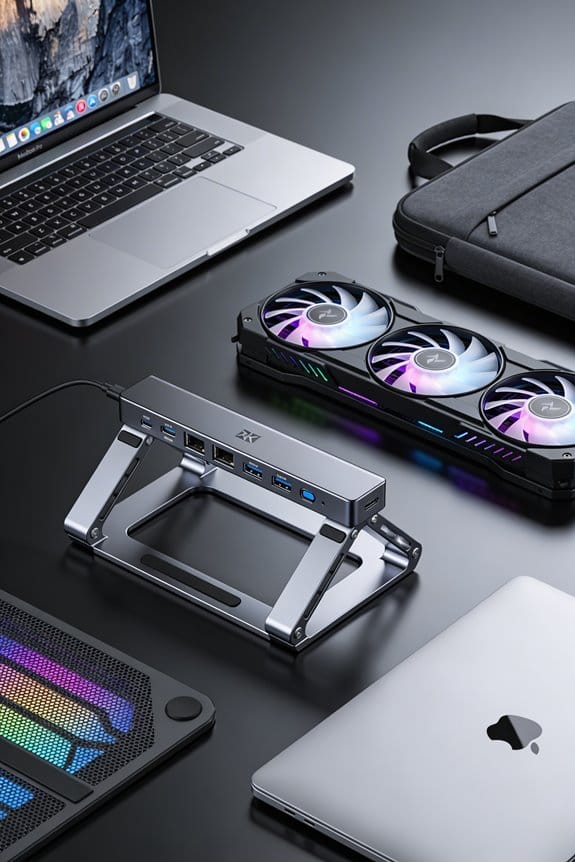
Learn why a USB‑C port wears out faster than the 10,000‑insertion claim and simple habits to extend its life. Keep it healthy—start protecting it now!
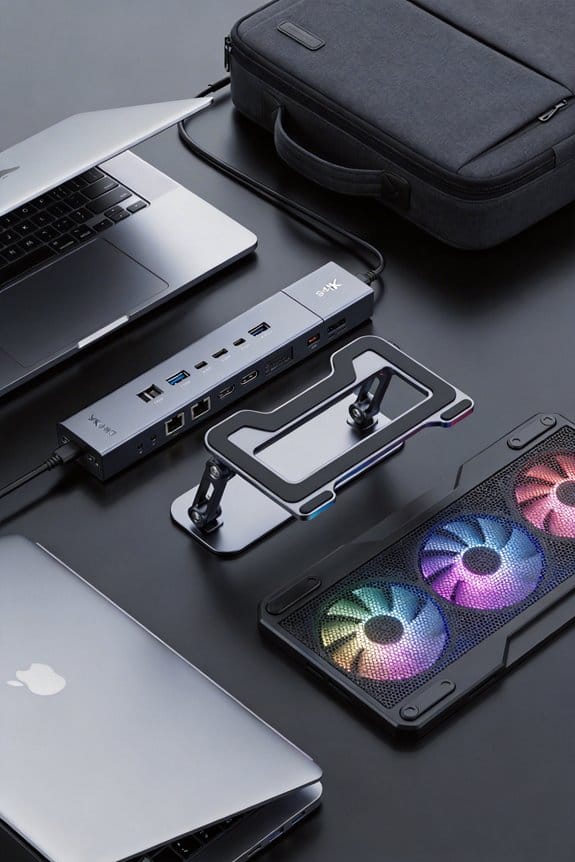
Get a USB‑IF or Thunderbolt badge fast: learn the steps, costs, and testing tips, then boost your product’s credibility. Start certifying today!

GaN chargers shrink thanks to ultra‑low resistance transistors, letting you pack more power into a tiny adapter—discover how and get yours now.

Check your laptop stand hinges for wobble, tighten the tiny screws, clean with air, and add a drop of silicone for smooth, firm movement—keep it steady, try it now!