Vacuum Coolers vs. Standard Cooling Pads: A Physics Breakdown
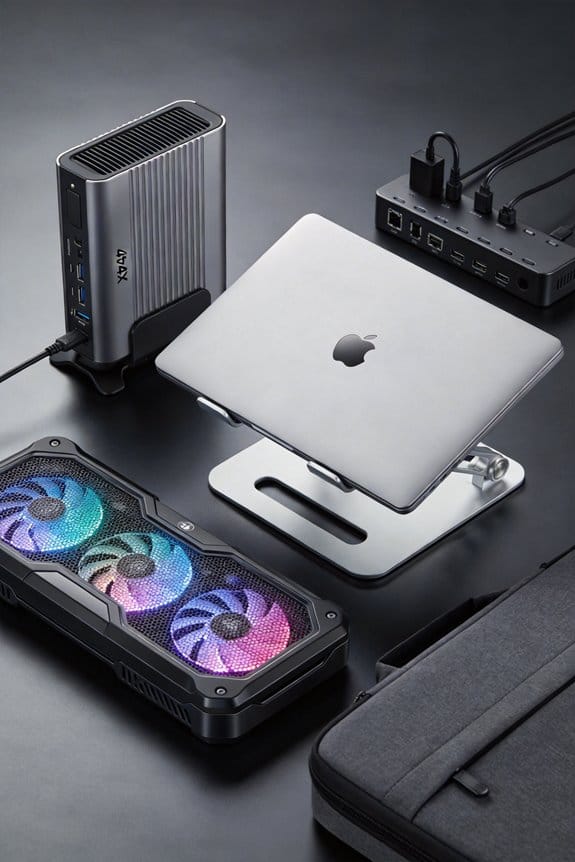
Vacuum coolers slash hotspot temps by ~10 °C, while standard pads shave off only ~3 °C. Discover which cooling fix fits your rig—read on!

Vacuum coolers slash hotspot temps by ~10 °C, while standard pads shave off only ~3 °C. Discover which cooling fix fits your rig—read on!

Hard‑shell laptop cases keep your device flat—chassis flex under 0.2 mm even with a 20‑lb load—while soft sleeves can bow 2 mm. Discover the best picks now.

Discover how wavy 5°‑twist fan blades boost airflow and cut noise to ~12 dBA, letting your PC stay cool and quiet. Learn more and upgrade today.

Heat shortens lithium‑ion laptop battery life fast—keep it around 30 °C and stay 40‑80 % SOC to double your cycles. Try a cooling pad now!

Discover why fiberglass and carbon fiber are beating plastic in laptop stands—lighter, stronger, cooler, and recyclable. Learn more now!

Learn the best way to clean a cooling pad with a low‑static vacuum and quick bursts of compressed air—keep it dust‑free fast. Try it now!
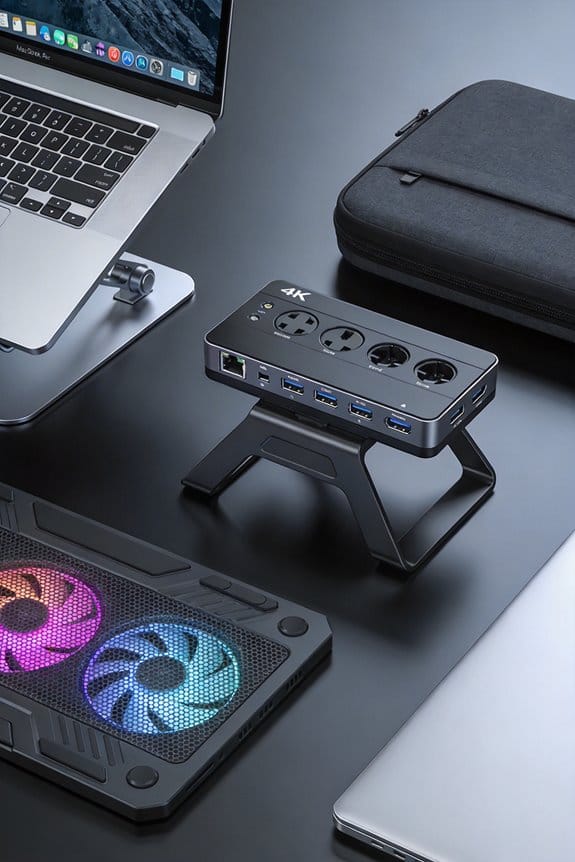
Find out if your laptop needs passive or active cooling—quiet, longer battery or sustained power. Click to learn which fits your needs!
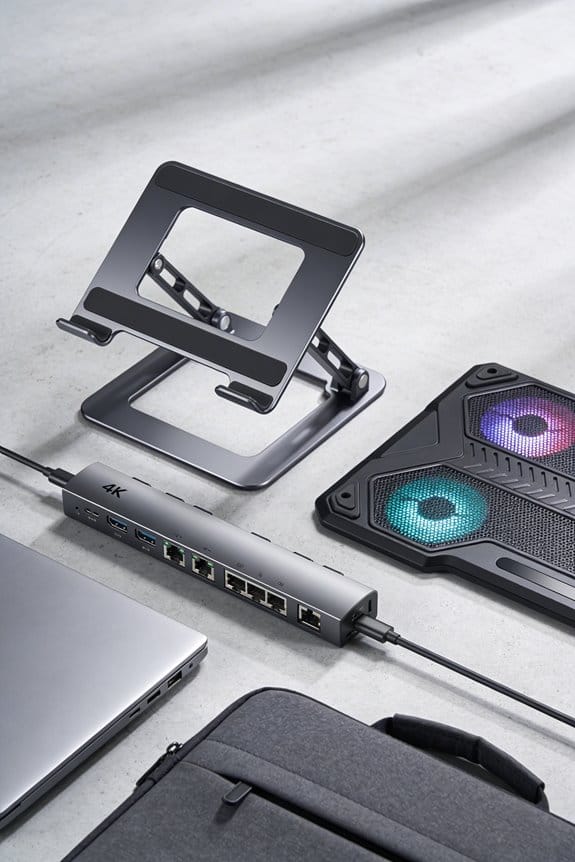
Aluminum heat sinks give you high thermal performance with light weight and easy‑to‑shape fins—ideal for efficient cooling. Discover how to boost your designs now.
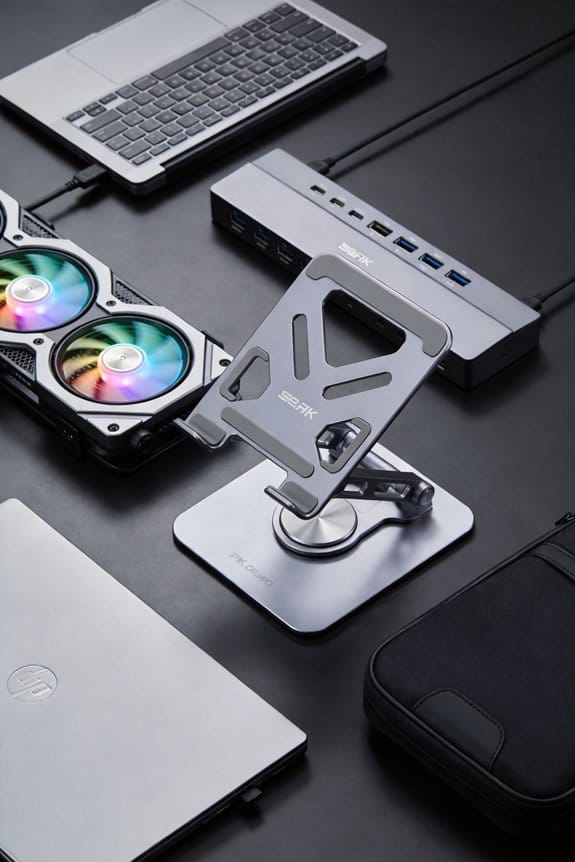
Discover how cooling pads evolved from clunky wood‑wool to sleek aluminum, cutting fan power and boosting airflow. Learn more now!
Sustained heat over 90 °C can melt thermal paste, crack solder joints, and warp your motherboard—permanent damage. Learn how to prevent it now.