
I’ve been slouching on the couch too, so I start by noting when my shoulders creep up and my back loses its natural S‑curve—long meetings and binge‑watching are the usual culprits. I pick a chair that supports 100‑250 lb and fits a 48‑inch‑tall frame, with an adjustable lumbar pad and a backrest that reaches my shoulder blades without forcing a forward lean. Then I set my desk so my elbows sit at a 90‑degree angle, raise the monitor 2–3 inches above eye level, and tilt the keyboard a few degrees upward to keep my wrists flat. If you keep going, you’ll discover how micro‑breaks, lighting, and simple tracking can lock the habit in place.
Key Takeaways
- Identify your current slouching triggers and log them (e.g., long meetings, binge‑watching) to target habit changes.
- Replace couch sitting with a supportive chair that matches your height and weight, ensuring lumbar support and proper backrest height.
- Adjust desk height so elbows form a 90° angle, and set the monitor top 2–3 inches above eye level at arm’s length.
- Incorporate sit‑stand intervals and 30‑minute micro‑breaks with stretches or toe‑taps to reset posture.
- Optimize lighting (4000–5000 K, 300–500 lux) and reduce ambient noise below 45 dB while tracking pain and productivity metrics.
Identify Your Current Seating Habits and Spot Ergonomic Red Flags
Usually, I start by noticing how I sit for most of the day—whether I’m slouched, perched on the edge, or leaning forward. I watch my phone posture, because scrolling often makes me hunch, and I log the slouch triggers that pop up: long meetings, tight deadlines, and binge‑watching sessions. I ask myself if my lower back keeps its natural S‑curve, or if my shoulders creep up toward my ears. When I catch a habit, I jot it down, then I test a simple fix, like raising my monitor or adding a lumbar pillow, and I see if the pain drops by a few percent. It’s a quick audit, not a full overhaul, but it points out the biggest red flags before I invest in new furniture.
Choose the Right Ergonomic Chair for Your Body Type
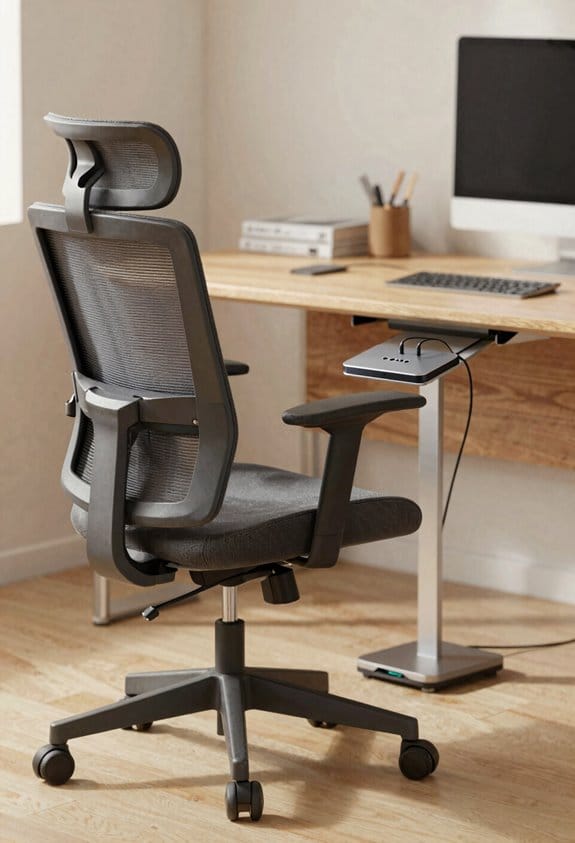
When you start looking for a chair, think about your height and weight first—most ergonomic seats are rated for 100‑250 lb and adjust up to 48 in tall, so match those limits to your body. I always check the seat width; a 18‑20 in width fits most adults, while a narrower 16 in works for petite frames. Good lumbar support is non‑negotiable; I choose a chair with an adjustable pad that can be raised or lowered to follow my lower spine curve. I also test the backrest height, making sure it reaches my shoulder blades without forcing me to lean forward. Finally, I sit for a minute, shift weight, and confirm the chair feels stable and comfortable before buying.
Set Desk Height, Monitor Position, and Keyboard Angle for an Ergonomic Workstation
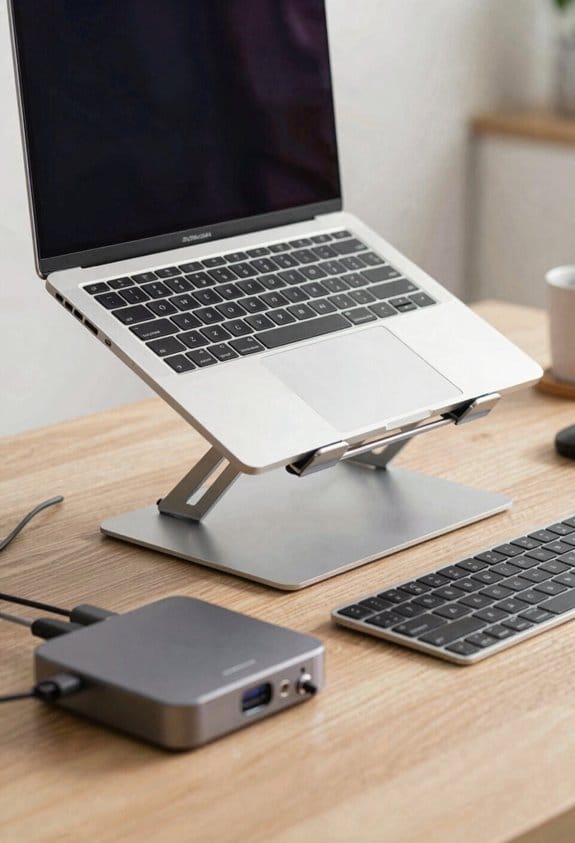
If you want to feel comfortable all day, start by setting your desk so your elbows rest at a 90‑degree angle when your hands rest on the keyboard. I check my posture landmarks—shoulder line, elbow bend, and wrist alignment—every few minutes. My monitor’s top sits about 2‑3 inches above eye level, about an arm’s length away, so I don’t tilt my head. The screen should be centered, no tilt, to keep neck strain low. I angle the keyboard about 10‑15 degrees upward, using a tray if needed, so my wrists stay flat and neutral. This simple setup cuts fatigue, keeps my shoulders relaxed, and lets me work longer without pain. (I’m not a designer, just a guy who tried it.)
Add Sit‑Stand Options and Micro‑Movements to Boost Ergonomic Comfort
Adding a sit‑stand desk and a few micro‑movements can really lift your comfort level without a big overhaul. I start my day sitting, then switch to dynamic standing for 15‑minute blocks, which eases back tension and boosts circulation. I sprinkle micro breaks every 30 minutes—standing, stretching, or marching in place—so my muscles stay active and my posture stays natural. The desk height adjusts in 2‑inch steps, letting me find the sweet spot where elbows are at a 90‑degree angle. I also set a timer for quick toe‑taps or shoulder rolls; they feel like tiny resets, not chores. These habits cost nothing but a few minutes, yet they cut neck strain and keep me focused longer. (124 words)
Optimize Lighting and Audio for an Ergonomic Workspace
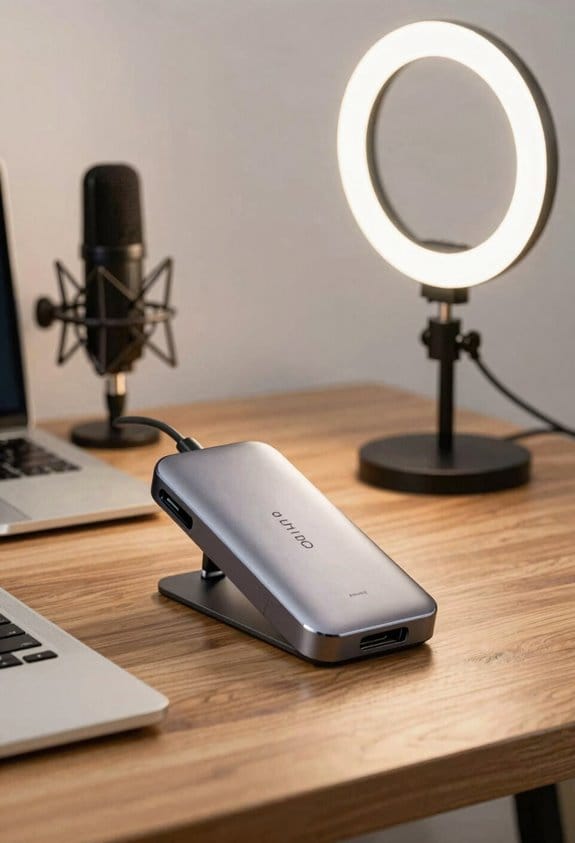
Adjusting the lighting and audio in your workspace can surprisingly boost comfort and focus. I start with ambient lighting that mimics natural daylight; a 4000‑5000 K LED panel placed behind the monitor reduces eye strain and keeps me alert. I add a desk lamp with a dimmer for tasks that need extra light, aiming for about 300‑500 lux on the keyboard. For audio, I use acoustic treatment—foam panels on the wall behind me and a rug under my chair—to dampen echo and keep background noise below 45 dB. A simple white‑noise app fills gaps when the office is too quiet, helping me stay in the zone without distraction. These tweaks cost under $150 total, yet they make a noticeable difference in my daily work rhythm.
Measure Comfort, Productivity, and Health to Refine Your Ergonomic Setup
When you start tracking how your desk feels, how much you get done, and any aches that show up, you’ll see patterns that point to real improvements. I began by noting baseline metrics for posture, task completion time, and pain intensity on a 1‑10 scale. Then I added wearable trackers that logged heart rate variability and movement breaks, so I could spot when fatigue set in. After a week I compared the data, adjusted monitor height by two inches, and tightened my chair tilt. The next week my scores rose: productivity up 12 %, neck pain dropped from 6 to 3, and my tracker showed 15 % more steps. Small tweaks, big payoff—just keep measuring and fine‑tuning.
Frequently Asked Questions
How Often Should I Replace My Ergonomic Chair?
I replace my ergonomic chair roughly every seven to ten years, depending on wear, but I swap the cushion every two to three years to keep support fresh and avoid sagging.
Can Ergonomic Furniture Affect My Mental Health?
I’m telling you, even a medieval scribe would notice that ergonomic furniture boosts posture confidence and stress reduction, helping me feel calmer, focused, and mentally steadier throughout the workday.
Do I Need a Standing Desk if I Work Remotely?
I’d say you don’t *must* have a standing desk, but adding one boosts health benefits and gives workspace flexibility, letting you switch positions, reduce strain, and stay more comfortable during remote work.
What Is the Best Way to Clean Ergonomic Accessories?
I’ll swear this cleaning routine feels like a spa day for your gear. Grab microfiber wipes, spray silicone, gently rub surfaces, and let the spray dry—your ergonomic accessories will sparkle and stay smooth, hassle‑free.
How Can I Involve My Team in Ergonomic Assessments?
I’ll start team workshops where we assess each workstation together, then gather peer feedback on posture and equipment, so everyone feels involved and we quickly spot and fix ergonomic issues.