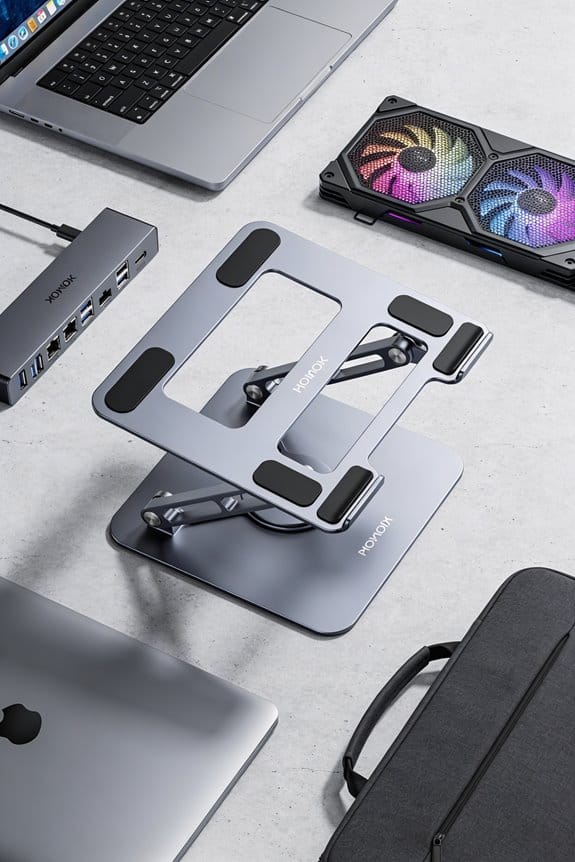

I keep my desk tidy by staying within a two‑foot radius, wiping any shared equipment right after use, and putting tools back where they belong; it takes less than a minute and saves everyone time. I use headphones at low volume for calls and music, mute them when I’m not speaking, and respect quiet‑zone signs so the space stays calm. I refill printer paper when it drops below ten sheets, report broken chairs promptly, and keep a small hand‑sanitizer bottle handy for door handles and coffee machines. If you follow these basics, the rest of the unspoken rules become clear.
Key Takeaways
- Keep your workstation tidy and limit personal items to a 2‑foot radius, maintaining clear walkways and shared spaces.
- Clean shared equipment (desks, keyboards, phones) after each use and promptly mop spills to prevent hazards.
- Use headphones at low volume, mute when not speaking, and respect acoustic signage for quiet zones.
- Return supplies (pens, chargers, printer paper) to their designated spots immediately after use.
- Communicate concisely: brief greetings, purpose in one sentence, and polite requests; keep phone on silent and notifications muted.
Shared Office Hygiene Practices
I usually start by wiping down my desk and any shared equipment as soon as I’m done, because a quick spray and a paper towel can stop germs from spreading. I make surface sanitation a habit, using disinfectant wipes on keyboards, mice, and phone screens at least once a day. In the restroom I follow etiquette: I flush fully, wash my hands for 20 seconds, and leave the sink area tidy for the next person. I also keep a small bottle of hand sanitizer at my workstation, so I can clean my hands after touching door handles or coffee machines. When I notice a spill, I grab a paper towel and mop it up right away—no one likes a slippery floor. These simple steps keep the space fresh, safe, and pleasant for everyone.
Shared Office Noise Management
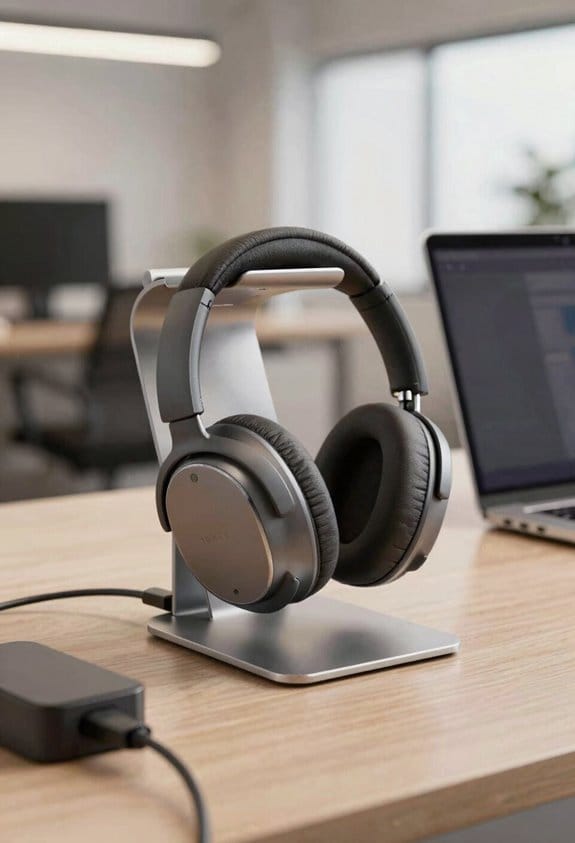
After cleaning the desk, the next thing to watch is noise. I’m on an open floor, so I keep my headphones on for calls and music, and I set the volume low enough that it won’t leak. I obey acoustic signage that marks quiet zones and phone booths, and I mute my phone when I’m not speaking. I keep conversations brief, usually under a minute, and I step into a private booth for longer chats. When I need to make a video call, I use a headset with a mute button, and I close the door gently to avoid slamming. I’ve found that using a soft‑close drawer and a small table mat reduces clatter by about 30 %. This keeps the space calm without sounding like a library.
Shared Office Resource Etiquette
I’ll start by pointing out that putting back shared tools right after you use them saves everyone time and hassle. I always refill printer paper when it drops below 10 pages, because inventory etiquette isn’t just a buzzword; it’s a habit that keeps the office humming. When I book a meeting room, I double‑check the calendar and cancel any slot I won’t need, which shows booking transparency and frees space for others. I label my supplies so they don’t get mixed up, and I report broken chairs within an hour, not days. These small actions add up, making the shared space smoother for all of us. (I’m not a perfectionist, just practical.)
Shared Office Personal‑Space Rules
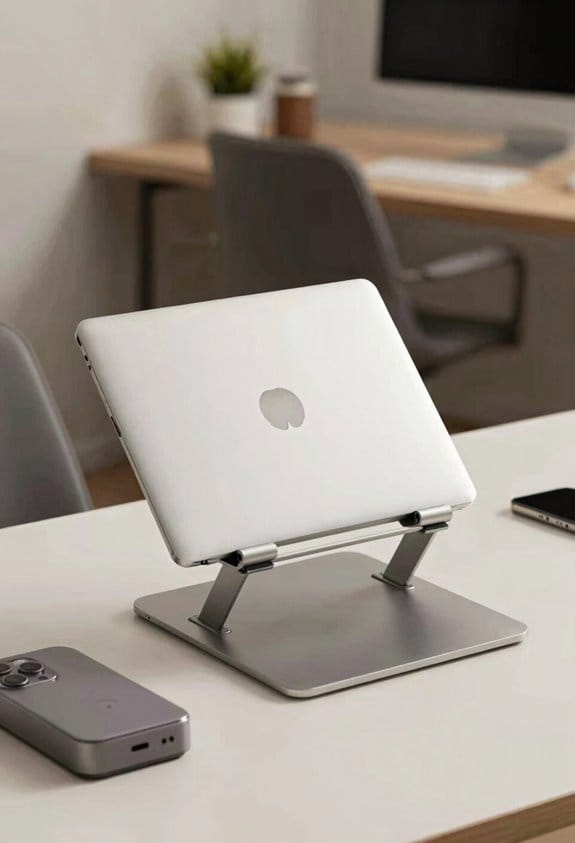
When you set up your spot, keep your things inside the 2‑foot radius around your chair so others can walk by without bumping into bags or laptops. I’ve learned that personal boundaries matter, especially when desks are only a few feet apart. I always store my notebook, charger, and water bottle within that circle, and I tuck any extra gear under the desk to stay tidy. If you need a larger workspace, ask the manager for a private pod or a larger desk, and respect the shared etiquette by not spreading items onto neighboring tables. I also make a habit of checking that my chair doesn’t roll into someone’s path; a quick visual check saves a lot of awkward apologies later.
Shared Office Professional Conduct
If you keep your tone friendly and your language clear, you’ll fit right in. I always start with a brief greeting, then state my purpose in one sentence, because people appreciate boundary setting early. When I need to ask for a pen or a meeting room, I’m polite, I’m concise, and I respect the other person’s time. I follow feedback etiquette by offering a quick “thanks for the heads‑up” and by giving constructive comments in a private chat, not a public board. I dress modestly, avoid loud jokes, and keep my phone on silent. If I notice a spill, I clean it up right away; if a printer jams, I report it within five minutes. Small habits build trust, and trust keeps the office running smoothly.
Configure Your Workspace for Quiet
I always start by picking a spot away from the main traffic flow, because a quiet corner cuts down on interruptions. I check the ambient lighting, choosing a lamp that gives a soft glow without glare, which helps my eyes stay relaxed. I then tidy the desk with cable management, using zip ties or a tray to keep cords hidden and out of the way, so I don’t get tangled in noise from chargers. I also place a small plant or a diffuser with a mild scent to create a calm vibe, but I keep it low‑key to avoid distracting others. Finally, I adjust my chair height and screen angle, aiming for a 90‑degree posture; it feels like a mini‑office that stays quiet and focused.
Use Headphones for Calls and Media
Usually, I just pop on a pair of over‑ear headphones before any call or video, because they block most of the surrounding chatter and keep my voice clear. I make sure the Bluetooth etiquette is solid—pair quickly, mute when I’m not speaking, and keep the volume low enough not to bleed out. The noise isolation is a game‑changer; it cuts down background hum by about 80 % and lets me focus on the speaker. I keep a spare set in my drawer, just in case the battery drops below 20 %. When I’m done, I store them neatly, because a tidy desk signals respect for the shared space. This habit saves everyone time and keeps the vibe professional.
Return Supplies to Their Proper Places
After pulling off my headphones, I always glance at the nearest supply station and put pens, sticky notes, and chargers back where they belong. I keep the label storage tidy, snapping the little stickers onto the right bins so anyone can see where things go. When I finish a project, I check the supply audits board—usually a simple spreadsheet with columns for pens, staples, and chargers—and note any shortages. If a drawer is empty, I grab a spare from the back shelf, but I never leave a mess; I slide the item back into its slot, making sure the lid clicks. Small habits like this keep the space efficient, and they save time for everyone, especially during the 9‑to‑5 rush.
Keep Personal Items Organized and Respect Others’ Space
Organize your stuff before you settle in—keep your laptop, notebook, and coffee mug in a single spot, like the designated desk shelf or a lockable drawer, so you’re not spreading items across the whole table. I’ve found that using desk zones helps me keep work tools separate from personal ones, and compact storage like a small bin or a magnetic strip saves space. When I tuck my charger, headphones, and snacks into a single drawer, the surface stays clear for anyone else. I always leave 6‑inch of free space on each side of my monitor, which feels polite and prevents accidental bumps. A quick visual check before I leave—are any items spilling into a neighbor’s zone?—keeps the area tidy and shows respect.
Dress and Communicate Like a Pro
I keep my desk tidy, and that same mindset works for how I show up and talk to others. I wear professional attire that fits the industry vibe, like a crisp shirt or a neat blazer, and I avoid loud logos that distract. When I speak, I use concise communication—short sentences, clear points, and I pause after key ideas so listeners can follow. I limit filler words to under 5 % of my speech, which makes meetings feel smoother and respects everyone’s time. I also check my phone volume, keep it under 30 dB in shared zones, and mute notifications during calls. A quick tip: I set a timer for 2 minutes when brainstorming alone, then share only the best ideas. This habit keeps my contributions sharp and my presence professional.
Frequently Asked Questions
Can I Leave My Laptop Charging Overnight on a Shared Outlet?
I’d say yes, but picture your laptop as a candle—keep an eye on battery safety, and remember outlet sharing means you shouldn’t monopolize power, so unplug when fully charged.
Should I Bring My Own Coffee Mug or Use Communal Kitchenware?
I’d bring my own mug and avoid plastic, because it’s hygienic, reduces waste, and shows respect for shared kitchenware. It also prevents mixing up with others’ dishes and keeps the space tidy.
Is It Acceptable to Wear Strong Perfume in Open Work Areas?
I’d say no—strong perfume can trigger scent sensitivity, so I practice fragrance etiquette by keeping my scents subtle in open work areas, ensuring everyone stays comfortable and focused.
How Do I Handle a Noisy Neighbor Without Causing Conflict?
I know you’ll worry about sparking conflict, but I’d suggest politely asking them to lower their volume or using headphones—addressing noise while emphasizing conflict avoidance keeps the workspace harmonious.
Can I Reserve a Desk for a Few Hours Without a Formal Booking?
I can usually grab a spot for a few hours using brief holds—just check the app for hot desking tips, confirm availability, and make sure you’re not blocking someone’s reservation.