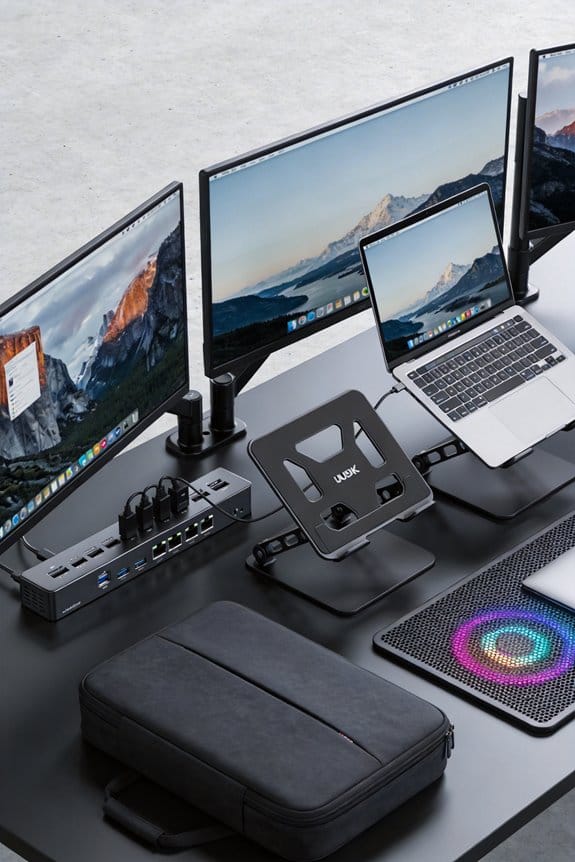
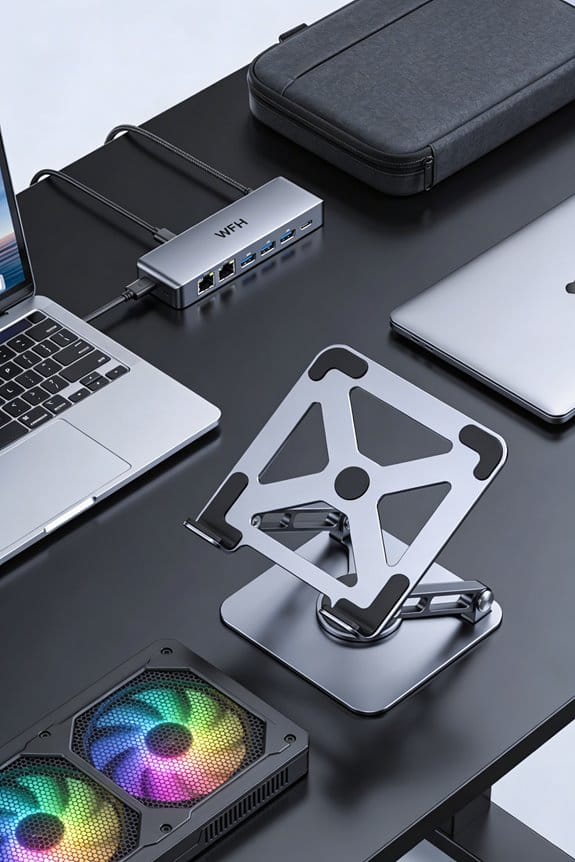
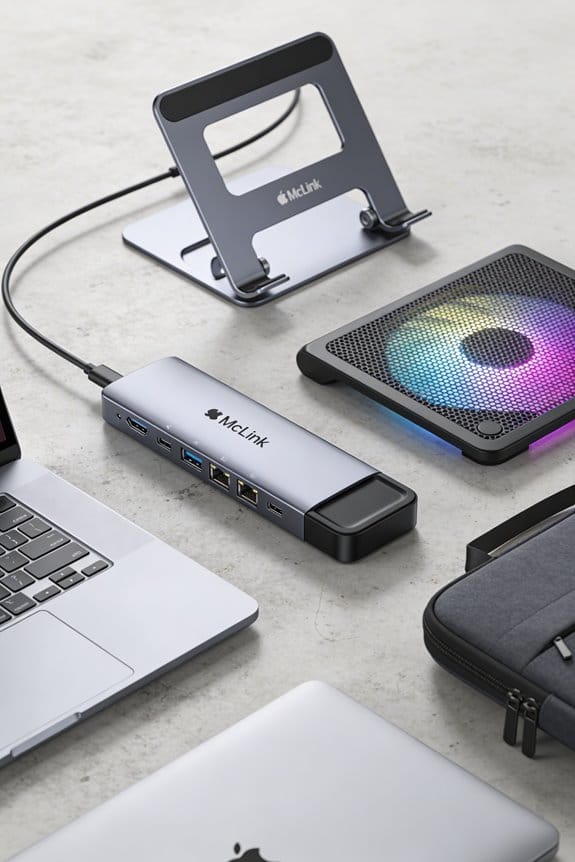
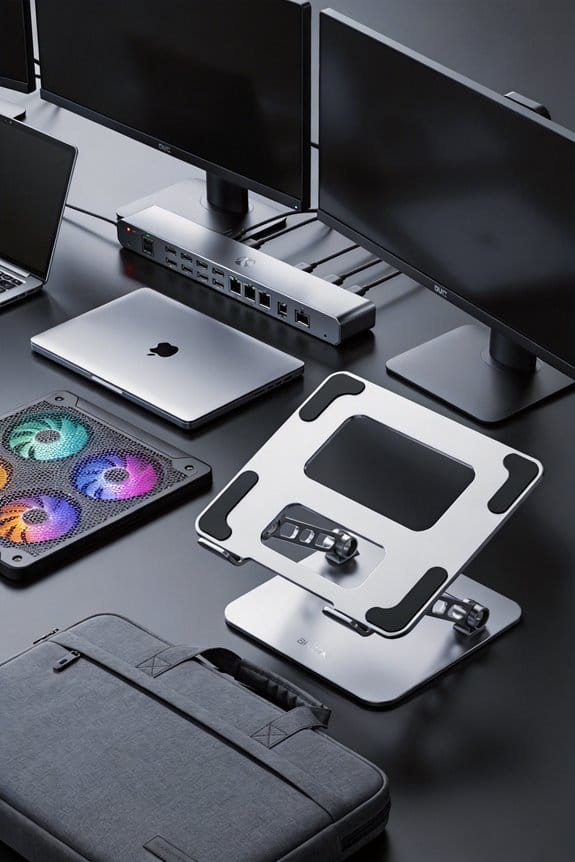
We call TSA‑friendly tech gear any device that follows the 100 Wh lithium‑battery rule, is clearly labeled, and stays in your carry‑on. Keeping power banks under 100 Wh, using removable‑battery laptops, and packing spare cells in a clear zip‑lock bag lets agents spot them fast, so you avoid confiscations and speed through security. It matters for frequent flyers because it saves time, prevents costly delays, and lets you stay productive on the plane. If you keep reading, we’ll show you exactly how to pack it right.
Key Takeaways
- TSA‑friendly tech gear meets battery safety standards and is clearly labeled, allowing quick verification at security checkpoints.
- Devices with removable batteries, like laptops, can be turned off and screened without risking fire hazards.
- Power banks under 100 Wh with visible watt‑hour labels pass smoothly, while higher‑capacity units require airline approval.
- Packing spare batteries in a clear zip‑lock bag and labeling them prevents confiscation and speeds up screening.
- Frequent flyers benefit from reduced delays, fewer confiscations, and compliance with airline regulations by using TSA‑friendly gear.
Lithium‑Battery Rules You’ll Need to Know Before You Fly
Ever wonder why your power bank gets stopped at the gate? We’ve seen the signs: lithium battery labeling is a must, and spare battery limits are strict. We’ll keep it simple—any spare lithium cells must stay in your carry‑on, never in checked bags, and you can only bring two large spares over 100 Wh per person. We recommend checking the label for watt‑hours; if it’s under 100 Wh, you’re good, but over that you need airline approval. We’ve learned that clear labels and staying within the two‑battery rule keep security smooth and avoid delays. Remember, power banks over 100 Wh need a quick call to the airline, and unlabeled units get confiscated. This way we stay safe, compliant, and on time.
What TSA‑Friendly Tech Gear Is & Why It Matters for Your Carry‑On

After sorting out the lithium‑battery limits, let’s talk about the gear that actually makes it through security without a hitch. We focus on devices that meet battery safety standards and follow screeners guidelines, so you avoid delays. A 100 Wh power bank with clear labeling, a laptop with a removable battery, and a compact charger all qualify; they’re easy to spot on the conveyor belt and pass the CT scanner without a fuss. We also recommend keeping medical devices like CPAP units in their original case and turned off, because screeners look for active power sources. By packing only TSA‑friendly tech, we reduce confiscation risk and keep our carry‑ons light and compliant.
TSA‑Friendly Tech Items That Pass Scanners Every Time

How can we make sure our gadgets glide through the scanner without a hitch? We start by choosing items that are explicitly tsa friendly, like power banks under 100 Wh with clear battery labeling. A labeled pack tells agents the watt‑hours, so they can spot it quickly and let it pass. We also keep laptops, tablets, and phones in a separate sleeve, off and protected, because dense metal triggers alerts. When we travel with a spare battery, we place it in a clear zip‑lock bag and label it with the capacity, which cuts down on confusion. These tiny steps—clear labeling, proper placement, and staying under the 100 Wh limit—make security smooth and keep our tech safe.
Common Tech Gadgets TSA Confiscates and Simple Ways to Avoid It

We’ve all seen that dreaded “confiscated” tag on a power bank or vape, and it’s usually because the item breaks one of the TSA’s simple rules—like being over 100 Wh, unlabeled, or packed in checked luggage. We’ll walk through the most common gadgets they seize: high‑capacity power banks, e‑cigarettes, electric toothbrushes, and cordless hair tools. Two word discussion ideas such as “battery limits” and “liquid rules” help us focus on the real issues, not security misconceptions that a small charger can go anywhere. Simple fixes include labeling batteries, keeping spares in carry‑on, and removing liquid‑filled cartridges. We also recommend checking the watt‑hour rating before you pack, and using a clear plastic pouch for any spare cells. This way we stay compliant and avoid delays.
Quick Checklist for Packing TSA‑Friendly Tech on a Business Trip

Ever wondered what to toss in your carry‑on so you don’t get stopped at security? We start with power banks under 100 Wh, label them, and keep them in a zip‑top pocket. Then we add laptops, tablets, and phones, all turned off or in airplane mode, and pack chargers with the devices, not loose. Next, we include any medical gear like a CPAP, making sure its battery is removable and stored on us. Finally, we remember non electronic items—like a notebook or pen—and keep them separate from any non security‑related accessories that could set off the scanner. Check the airline’s battery limit, double‑check the watt‑hour sticker, and we’re ready for a smooth board.
Handling Unexpected Security Alerts at the Gate
After we’ve checked our power banks, laptops, and CPAP battery into the zip‑top pocket, the next thing to watch for is the gate‑side alert that can pop up out of nowhere. We stay calm, ask the agent for a quick gate alert handling review, and point out that our devices are labeled under 100 Wh. If the screen flashes an unexpected seizure mitigation flag, we offer to open the bag, show the battery specs, and let the officer re‑scan. A brief explanation of the device’s purpose—like a medical CPAP—often clears it in under two minutes. We keep a small printed spec sheet handy; it saves time and prevents a full bag inspection that could delay the whole crew.
Why Packing TSA‑Friendly Tech Saves Money, Time, and Peace of Mind
When you pack TSA‑friendly tech, you cut down on surprise delays, save a few hundred dollars in replacement costs, and keep your mind at ease. We all know that a confiscated power bank can cost $150 – $200, and that extra time at security can ruin a connection. By using devices with uncommon batteries that meet the under‑100 Wh rule, we avoid those fees and stay within airport etiquette.
We also keep our chargers, spare cells, and medical devices in the carry‑on where they’re visible, so agents don’t need to open our bags. This habit saves minutes, prevents fines up to $17,000, and lets us focus on the flight, not the scanner. In short, thoughtful packing protects our wallets, our schedules, and our peace of mind.
Frequently Asked Questions
Can I Bring a Spare Lithium‑Ion Battery in My Checked Luggage if It’s Protected?
No, we can’t pack a spare lithium battery in checked luggage, even if it’s protected; TSA requires all spare lithium batteries to stay in your carry‑on, so you’ll need to keep it with you.
Do I Need to Declare Power Banks Over 100 Wh Before Boarding?
We’ll tell you you must declare any power banks over 100 Wh before boarding; they’re subject to carry‑on restrictions, so we’ll label them, keep them in the cabin, and notify the airline.
Are There Special Packaging Rules for Medical Devices With Built‑In Batteries?
We recommend specially sealed, sturdy packaging for medical devices with built‑in batteries, ensuring they’re protected, labeled, and easily inspected—so you’re safe, swift, and stress‑free at security.
Can I Use a Rechargeable E‑Cigarette on the Plane if It’s Off?
We can’t bring a rechargeable e‑cigarette on board, even off, because e‑cigarette legality follows TSA battery safety guidelines that prohibit lithium‑powered vaping devices in carry‑on or checked luggage.
What’s the Maximum Number of Spare Battery Packs Allowed per Passenger?
We’ll tell you straight: the spare battery limits are two per passenger, and packing safety compliance means keeping them in carry‑on, labeled, under 100 Wh, and turned off.