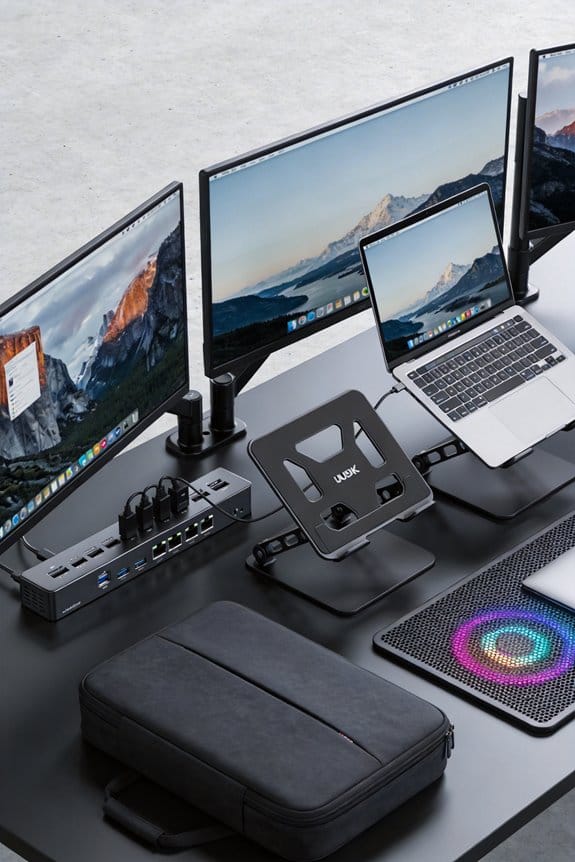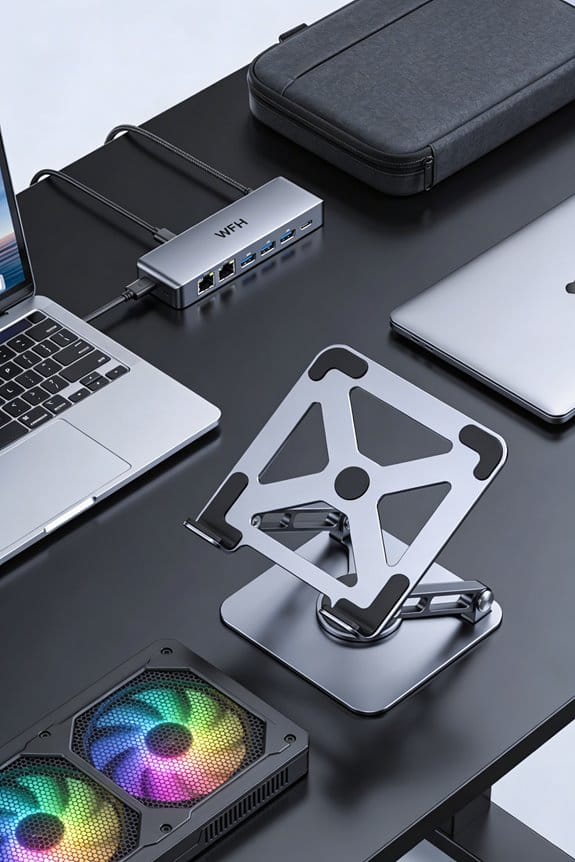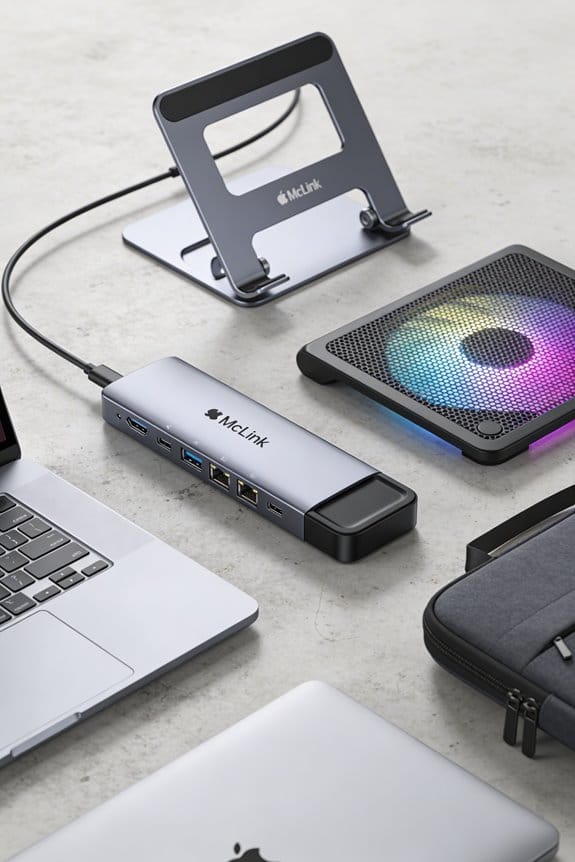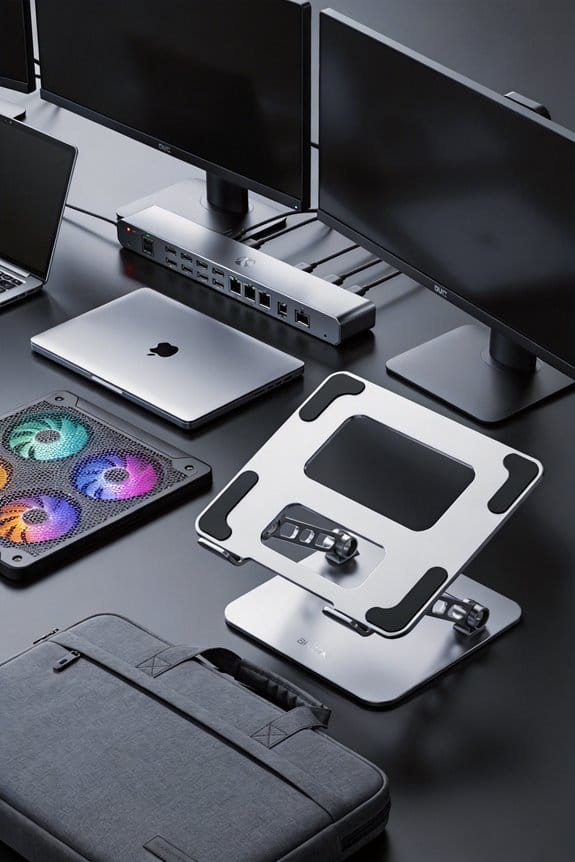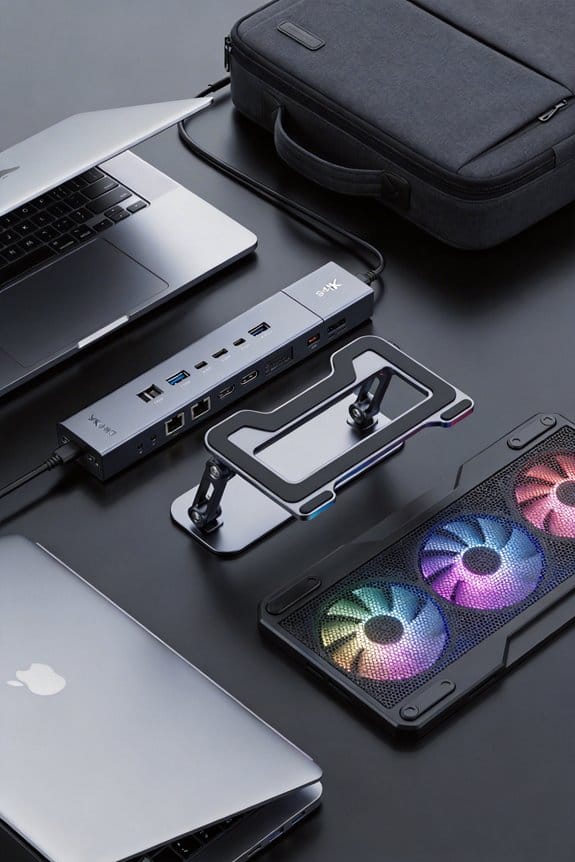

I’ll walk you through getting a USB‑IF or Thunderbolt badge. First, grab a Vendor ID—membership costs about $2,500 a year, or you can pay $200 for a VID as a non‑member. Then fill the product form, upload the VIF XML, and pick an authorized test lab; expect a $3,200 fee for a full run. Run the required 2.0, 3.2, PD, 4, and Thunderbolt tests, upload the logs, and if you pass you can use the logo and boost sales. Keep going and you’ll find all the details.
Key Takeaways
- Obtain USB‑IF membership (≈ $2,500 / yr) or purchase a Vendor ID (≈ $200) and keep the 4‑digit hexadecimal VID for all product files.
- Register the product in the USB‑IF portal, upload the Vendor Info File (VIF) XML, and select an authorized test lab based on cost, turnaround, and support.
- Run the required compliance tests (USB 2.0, USB 3.2, USB‑PD, USB‑4/Thunderbolt) covering signaling eye diagrams, power‑delivery, thermal limits, and EMC immunity.
- Submit zipped test logs named with VID and Test ID to the portal; receive Pass/Fail status, address up to three revision cycles, and appeal with remote‑monitoring if needed.
- After passing, display the Certified USB logo following size and clear‑space rules, and schedule annual sample submissions and design‑change confirmations to maintain certification.
Why USB‑IF and Thunderbolt Certification Is Essential
If you’re building a device that plugs into a laptop or phone, getting USB‑IF and Thunderbolt certification isn’t optional—it’s a must‑have. I’ve seen how market trust rises when a product bears the official logos; customers instantly know it meets safety and performance standards. Certification also guarantees legal compliance with rules like the EU Common Charger Directive, so you avoid costly recalls or fines. The process starts with a USB‑IF membership, a $2,500 annual fee, then you apply for a Vendor ID, which grants access to the product registration portal. After you submit a brief spec sheet and a VIF file, an independent test lab checks electrical, mechanical, and interoperability aspects, usually within a few weeks. Passing gives you a Test ID and the right to use the certified logo, which can boost sales by up to 15 % in competitive markets. I’ll keep it simple: get certified, stay compliant, and let the badge do the selling.
How to Obtain a Vendor ID (VID) for USB‑IF Certification
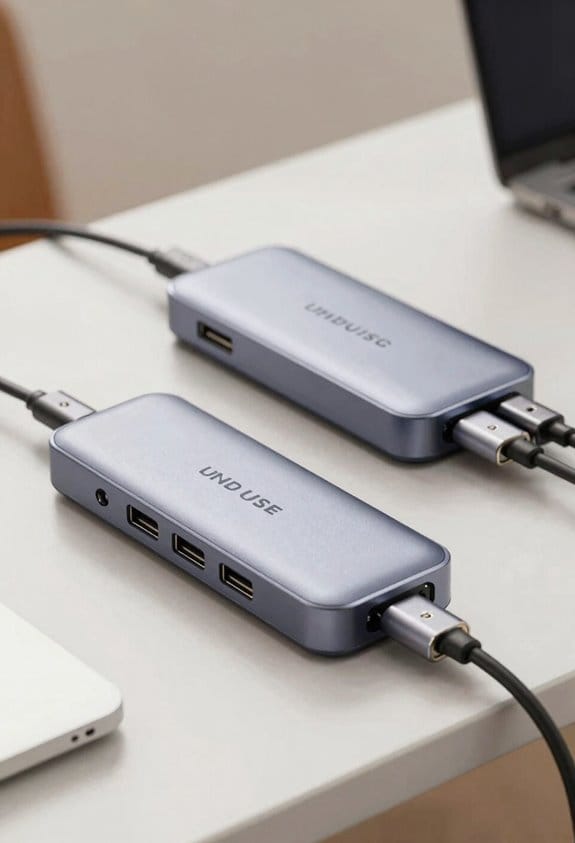
Getting your Vendor ID (VID) is the first real step after deciding to certify, and it’s not as scary as it sounds. I start by checking the USB‑IF Membership Options; a full membership costs $1,500 yearly, while a non‑member can still apply for a VID with a $200 fee payment. After I sign the Vendor Registration agreement, I upload the fee receipt to the portal, and USB‑IF processes my request. Within a week they send a VID Allocation email, usually a four‑digit hexadecimal code like 0x1A2B. I keep that number handy because I’ll need it for every future product file. (Note: I’m not a lawyer, just a friendly guide.)
Registering Your Product: Forms, VIF & Test Lab Selection
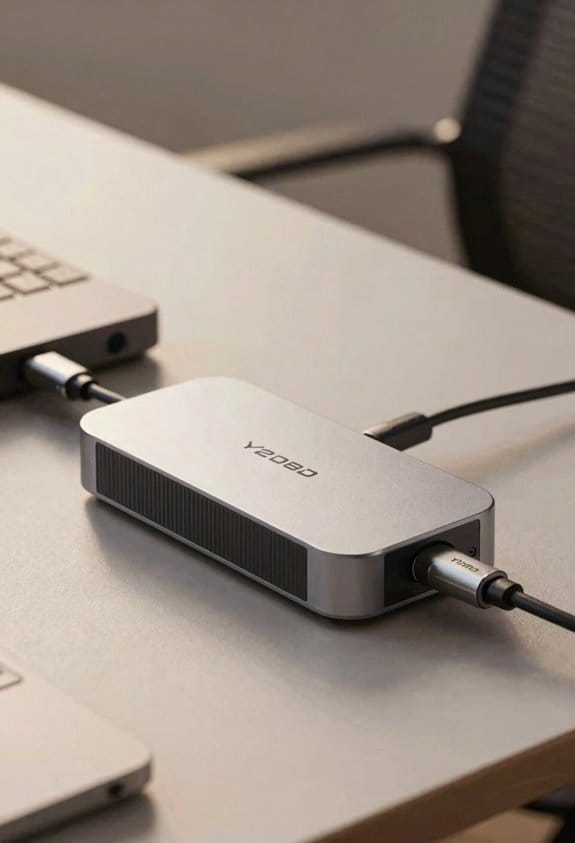
Starting the registration, you’ll first log into the USB‑IF portal and fill out the Product Information form, where you’ll need to list the device type, power‑delivery specs, and cable‑connector details—think of it as a quick checklist, not a novel. I then upload the required documentation templates, which the portal flags for completeness, so I double‑check each field before moving on. Next, I generate the Vendor Info File (VIF); it’s a concise XML that captures capabilities, and I attach it to the submission. After the VIF is accepted, I pick an Authorized Independent Test Lab; I compare three labs, look at pricing, turnaround time, and how well they support my vendor relations. I book the lab, send them the VIF, and wait for the Test ID to be issued.
Pre‑Certification Checklist: Required USB 2.0, USB 3.2, USB‑PD, USB‑4 & Thunderbolt Tests
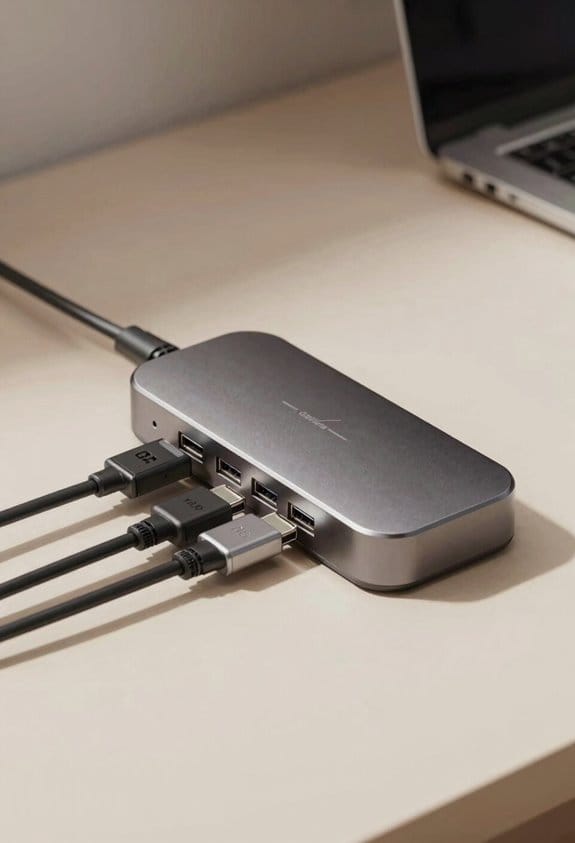
After you’ve got your VIF approved and a Test ID in hand, the next step is to run the pre‑certification checks. I start with USB 2.0 eye‑tests: verify 480 Mbps signaling, confirm 5 V tolerance, and run a quick thermal profiling pass to see if the board stays under 70 °C at full load. Then I move to USB 3.2, checking 10 Gbps lanes, eye‑diagram margins, and again log temperature rise. USB‑PD needs 20 V/5 A capability, so I run a power‑delivery ramp test, record voltage droop, and capture EMC immunity results to make certain no interference. For USB‑4 and Thunderbolt, I run 40 Gbps throughput, lane‑bonding, and a short stress burst; I also repeat thermal profiling and EMC checks on the final assembly. These four test groups cover the core compliance envelope before I schedule an authorized lab run.
Choosing the Right Test Path: Workshop, Independent Lab or Similarity Program
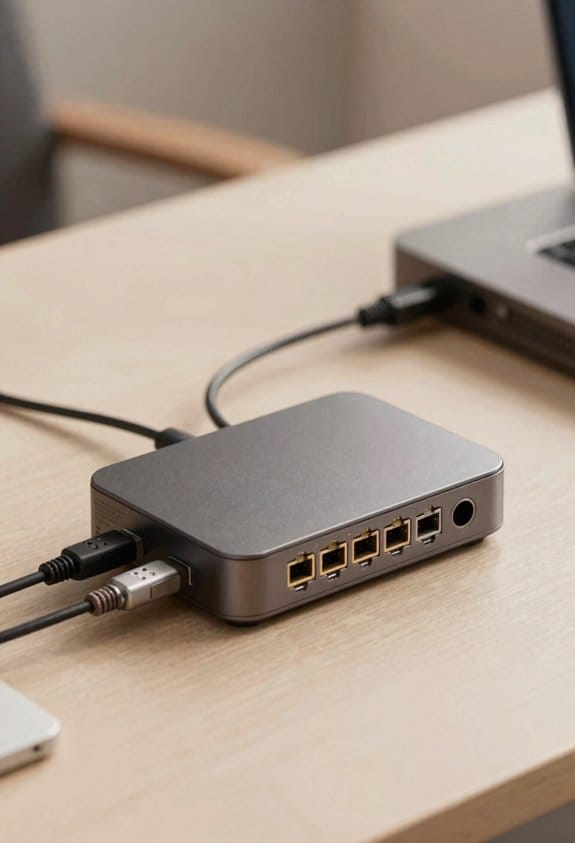
If you’ve already got your VIF and TID, the next decision is where to run the compliance checks—USB‑IF’s Workshop, an authorized independent lab, or the Similarity Program. I usually start by comparing cost and schedule; the Workshop is cheap for members but limited to three days, while an independent lab can finish in a week for a $3,200 fee. Vendor negotiation matters: I ask the lab to bundle test fixtures and remote witnessing, which saves shipping. The Similarity Program is a good fallback if your design matches a certified reference, and it only needs a short 2‑hour remote witness session. I pick the path that fits my budget, timeline, and how much control I want over the test environment.
Submitting Test Results and Handling Pass/Fail Feedback From Usb‑If
When you’ve gathered the test logs from the ITL, just zip the files and upload them through the USB‑IF portal, because the system flags any missing PDFs or mismatched filenames right away. I double‑check that the Vendor ID and Test ID appear in the filenames, then click Submit. The portal shows a green “Pass” badge if everything matches, or a red “Fail” notice with a short code and a link to the detailed report. I usually read the failure notes, fix the issue, and resend the corrected logs within 48 hours; the system accepts up to three revisions per submission. If the result still looks wrong, I trigger the appeal process, attach the remote‑monitoring video, and wait for the review team’s response, which usually arrives in a week.
Post‑Certification Benefits: Logos, Windows HLK & Ongoing Obligations
I’ll zip the test logs, upload them, and once the portal flashes a green Pass badge I can start using the Certified USB logo on packaging, marketing, and documentation. The logo usage is simple: place the mark on product boxes, brochures, and web pages, but keep it at least 5 mm tall and give it clear space equal to its height. I also get access to the Windows HLK test suite, which lets me run the 150‑step compliance check for drivers and firmware, then upload the results for quick approval. After certification, I must stay on top of ongoing audits; USB‑IF will request a sample every 12 months, and I need to confirm that design changes still meet the original specs. Missing a deadline can trigger a logo suspension, so I set calendar reminders. This keeps my brand trustworthy without extra hassle.
Common Pitfalls & Troubleshooting Tips for a Smooth Certification Journey
Even a quick glance at the USB‑IF checklist can reveal where most teams trip up, so I’ll start with the basics. I always set up a clear internal communication channel early; a single Slack thread or email thread saves days of back‑and‑forth. Next, I create a sample tracking spreadsheet, logging serial numbers, test dates, and ITL contacts—this prevents the “where’s that board?” scramble. I’ve seen teams miss the two‑sample requirement; I double‑check the heat‑rise board and current‑rating fixture are both ready before the test window. If a test fails, I pull the exact log line, note the failure code, and ask the lab for a re‑run before escalating. Finally, I keep the VID and TID handy in a shared folder; it speeds up the final submission and avoids last‑minute panic.
Frequently Asked Questions
Can I Reuse a VID for Multiple Product Families?
I’ll tell you you can reuse a VID across product families, but treat it as a brand extension strategy and keep clear product segmentation, so each line stays distinguishable for compliance and market tracking.
Does Thunderbolt Certification Require a Separate VID?
You’ll need a separate enrollment for Thunderbolt, because each VID gets unique labeling. I’ve learned that “the devil’s in the details,” so I always treat Thunderbolt certification as its own distinct process.
How Are Firmware Updates Handled After Certification?
I’ll update firmware by submitting a signed image to the test lab, ensuring rollback protection is enabled; once approved, the new version can be distributed without re‑certifying the product.
Are There Fees for Re‑Testing Failed Components?
I’ve found that retest fees aren’t covered by warranty coverage, so you’ll need to budget for them separately; the USB‑IF charges a separate fee each time you submit a failed component for re‑testing.
What Is the Typical Turnaround Time for Usb‑If Test Results?
I usually see typical timelines of two to four weeks after test scheduling; most labs return USB‑IF results within ten business days, though complex suites can stretch toward the longer end of that range.